
DZ-pocket-farm
by: Deadzone
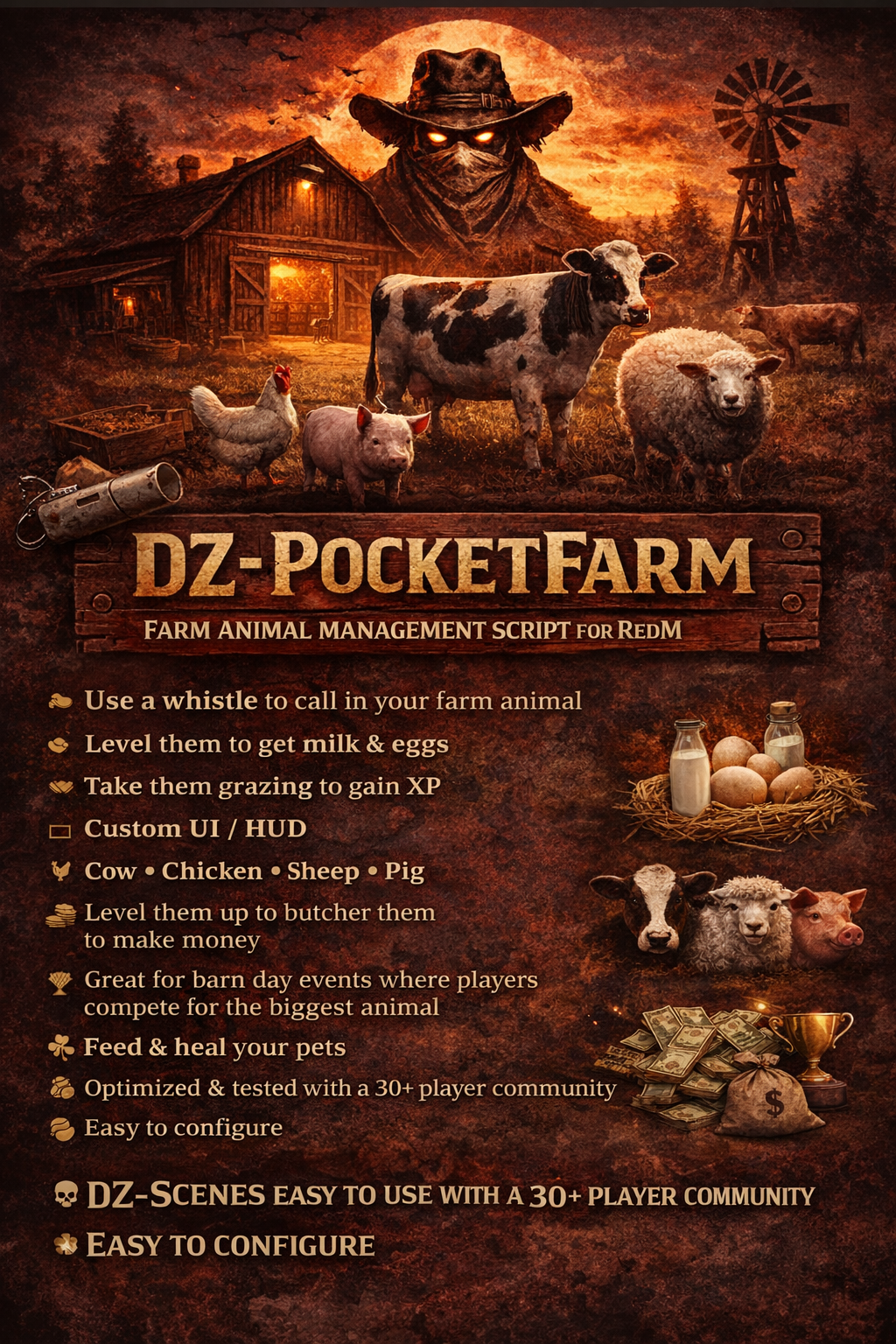
dz-pocket-farm is a VORP-based farm companion system that lets players own “pocket” farm animals (cow, pig, chicken, sheep, goat). Each animal is tied to a usable inventory item. When used, a management menu opens where players can summon/despawn the animal, have it follow them, feed/water/heal it, take it grazing in dedicated zones to gain XP and level up, collect farm products (milk/eggs) at higher levels, and butcher the animal for a cash payout once it reaches the required level. The system persists all animal stats in SQL and includes optional aging, hunger/thirst drain, and starvation damage while the animal is active.
showcase: https://youtu.be/QvITfjE3f8I
-------------------------------------------------------------------------------------------------
Requirements / Dependencies
This resource is built for RedM + VORP and depends on:
vorp_core : https://github.com/VORPCORE/vorp_core
vorp_inventory : https://github.com/VORPCORE/vorp_inventory
dz-progressbar: https://dead-zone-studios.tebex.io/package/7229902
mega_progressbars: https://store.megaworks.dev/category/utility-dependenci
oxmysql : https://github.com/overextended/oxmysql
(Your fxmanifest.lua includes vorp_menu as well, but the menu in this script uses menuapi.)
------------------------------------------------------------------------------------------------
Core Features
1) Pocket Animal Items (Inventory Usables)
Players receive usable items like:
pocket_cow
pocket_pig
pocket_chicken
pocket_sheep
pocket_goat
Using one of these items opens the animal’s menu and automatically creates the animal record in the database if it does not exist yet (first-time ownership).
------------------------------------------------------------------------------------------------
2) Animal Management Menu (MenuAPI)
Each animal has an in-game menu with actions such as:
Summon / Despawn
Spawns the animal near the player as a networked ped. Using Summon again despawns it.
The script also marks the animal as active/inactive in the database so “needs drain” only happens when the animal is actually out.
Call / Follow
Forces the animal to follow the player and includes a small “leash assist” that gently nudges/snap-teleports the animal closer if it falls too far behind.
Feed
Consumes a configured feed item and restores animal hunger.
Give Water
Consumes a configured water item and restores animal thirst.
Heal
Consumes a configured heal item and restores animal health (only if not dead / not old-age dead).
Graze (Mini Mission)
Starts a 3-step grazing route with GPS + blips and progress bars. Completing the route grants XP and levels the animal.
Collect (Milk / Eggs)
For animals that support it (cow/chicken), the Collect option appears once the animal reaches the configured level.
Cow collection can be cooldown-based (milking), and collection can require a tool item (bucket/basket).
Butcher
Once the animal reaches the configured butcher level, the player can butcher it to receive a cash payout, the database record is removed, and the pocket item is removed from the player.
Info
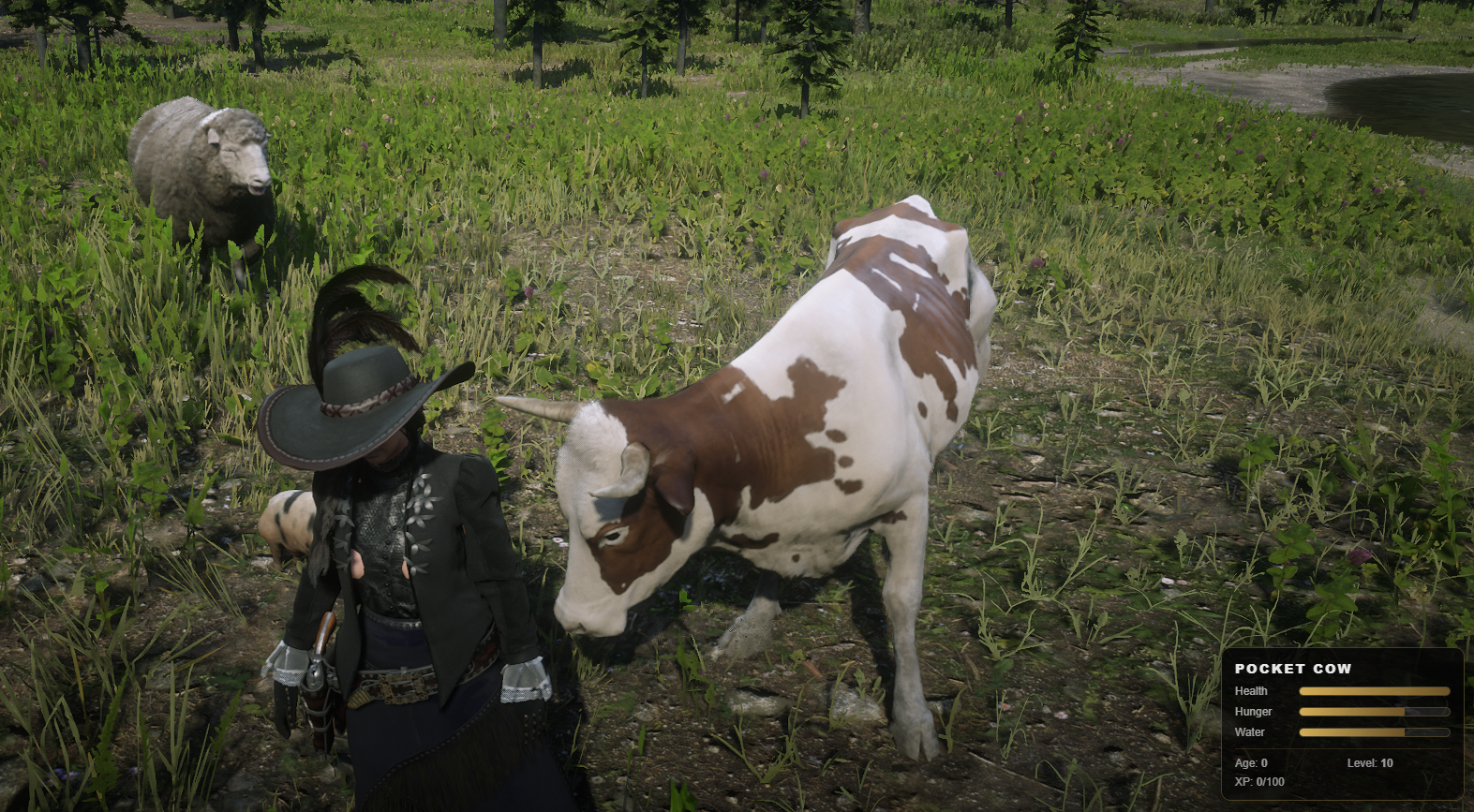
Displays animal stats (age, hunger, thirst, health, level, XP) via VORP tip.
------------------------------------------------------------------------------------------------
3) Persistent Animal Stats (SQL)
Each animal stores persistent progression and needs in the SQL table:
Level / XP
Hunger / Thirst
Health
Age / birth timestamp
Active state (only drains when active)
Dead flags (starvation death / old-age death)
Last graze time
Last milk time (used for milking cooldown)
Variant / skin preset
This allows animals to keep progression across restarts and reconnects.
------------------------------------------------------------------------------------------------
4) XP and Leveling System
Animals gain XP by completing grazing routes. Once they reach the XP threshold:
XP resets
Level increases (up to max level)
Level affects things like:
Scale growth (animal can visually scale up as it levels)
Access to Collect
Access to Butcher
(Optional future expansion: yield multipliers, cooldown reductions, new unlocks)
------------------------------------------------------------------------------------------------
5) Grazing Zones (Herding Zones)
Grazing is zone-gated. Players must bring their animal into a configured grazing zone to start grazing.
Zones are fully configurable (name, coords, radius) and are also sent to clients to display map blips.
------------------------------------------------------------------------------------------------
6) Needs System (Hunger / Thirst / Starvation)
While an animal is marked active (summoned), it can be affected by:
Hourly hunger/thirst drain
Starvation checks every few minutes
Health loss when both hunger and thirst reach zero
Death if health reaches zero
The owner receives warnings (if online) when the animal is starving or dehydrated.
------------------------------------------------------------------------------------------------
7) Aging / Lifespan
Animals have a birth timestamp and age over time. If the animal reaches the configured lifespan limit, it is marked as dead from old age and cannot be healed (revive rules are enforced server-side).
------------------------------------------------------------------------------------------------
8) Death, Graves, and Reviving
If an animal’s health hits zero, it is treated as dead. On spawn:
A grave object can be created near the player.
A prompt opens a grave menu where the player can:
Revive the animal (requires configured revive item)
Send to Rest (deletes the record and removes the pocket item)
------------------------------------------------------------------------------------------------
9) Anti-Exploit / Safety Checks
Server-side validations include:
Only configured farm animals are allowed (hard gate)
Grazing has a server-side lock so players can’t run multiple grazes simultaneously
Grazing cooldown enforced server-side
Health sync is “down-only” (client cannot increase DB health)
Collection requires level checks + tool checks + cooldown checks (if enabled)
------------------------------------------------------------------------------------------------
Installation
1) Resource Setup
Place the folder in your resources (example: resources/[z]/z-animals_farm)
Ensure fxmanifest.lua includes config.lua as a shared script (recommended setup)
Add to your server.cfg:
ensure z-animals_farm
2) Database
Run the included SQL installer:
Creates pocket_farm_animals
Adds example VORP item entries for pocket items + support items
3) Give Players Items
Players need a pocket item to use an animal system:
pocket_cow, pocket_pig, etc.
They also need support items for actions:
feed: petfood
water: petwater
heal: pet_heal
revive: petrevive
tools: empty_bucket, basket (if collection requires them)
------------------------------------------------------------------------------------------------
Configuration
All major systems are intended to be configurable, including:
Pocket item names and what animal model they map to
Collection rules (unlock level, cooldowns, required tools, reward amounts)
Grazing zones and blip appearance
XP gains, thresholds, max levels
Butcher rules and payout tables
Aging and needs drain rates
------------------------------------------------------------------------------------------------
How It Works In-Game (Player Flow)
Player uses a pocket item (ex: pocket_cow)
Menu opens
Player summons the animal (networked ped spawns)
Animal follows player
Player takes animal to a grazing zone and completes grazing route to gain XP
At higher levels, player can collect products (milk/eggs)
At butcher level, player can butcher the animal for money
If the animal dies, player can revive it at its grave (if they have revive item) or send it to rest
-----------------------------------------------------------------------------------------------
Notes / Tips for Server Owners
If you want needs to apply even when animals are not spawned, disable “active only” drain (not recommended for most servers).
For economy balancing, adjust:
graze XP / XP threshold
butcher payout table
milk/eggs amounts + cooldowns
For performance, keep starvation tick intervals reasonable and avoid excessive zone counts.
------------------------------------------------------------------------------------------------
discord: https://discord.gg/hCpFduDHpk