
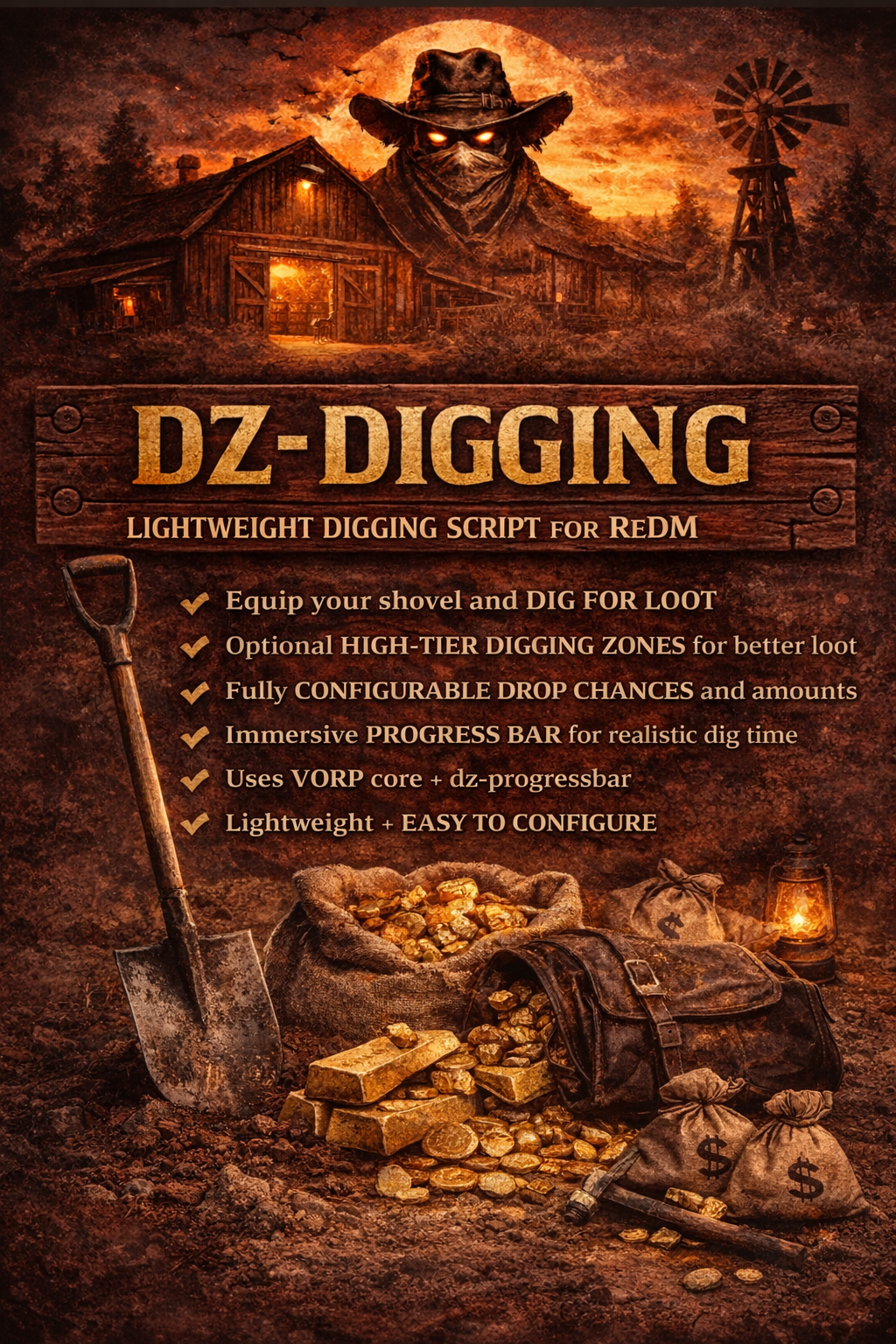
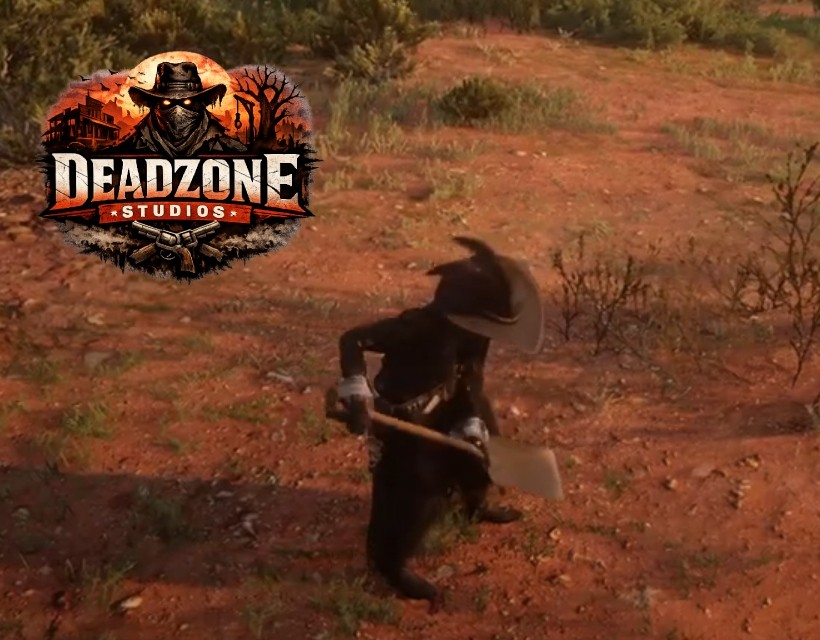
Dz-digging is a lightweight, plug-and-play digging script for VORP that lets players pull out a shovel and dig for randomized loot. It includes rotating high-tier digging zones (with optional map blips) that reward better loot tables, plus fully configurable drop chances and amounts. Digging uses dz-progressbar for a clean, immersive “dig time” and everything is designed to stay simple, fast, and easy to customize.
What does it do?
- Shovel usable item (pulls out a shovel and enables digging)
- Digging progress uses **dz-progressbar** (configurable time)
- Config-driven loot tables (chance + minAmount + maxAmount)
- Optional “nothing found” chance (regular + high-tier)
- High-tier digging zones (better loot, optional blip)
- Easy to edit + sell-ready configuration
Dependencies
Make sure these are installed and ensured before dz-digging:
- vorp_core : https://github.com/VORPCORE/vorp_core
- vorp_inventory : https://github.com/VORPCORE/vorp_inventory
- dz-progressbar : https://dead-zone-studios.tebex.io/package/7229902 (FREE)
Installation
1. Drop the **dz-digging** folder into your server resources folder.
2. Add this to your server.cfg: ensure dz-digging
Open `config.lua` to customize:
- Shovel item name
- Digging progress time + progressbar options
- High-tier zones + radius
- Loot tables (regular + high-tier)
- Nothing chance rates
- Blip settings (optional)
Notes
- The shovel item must exist in your VORP items table and match `Config.Digging.ShovelItem`.
- High-tier blips can be disabled in config if you want zones to be “secret”.
- Loot chances are **percentage-based** (0–100) per item.